
Put your office on the map.
Medicare Resource Center lists local offices and the licensed agents who work in them, free of charge for agencies and agents in the Benefits Life family.
How it works
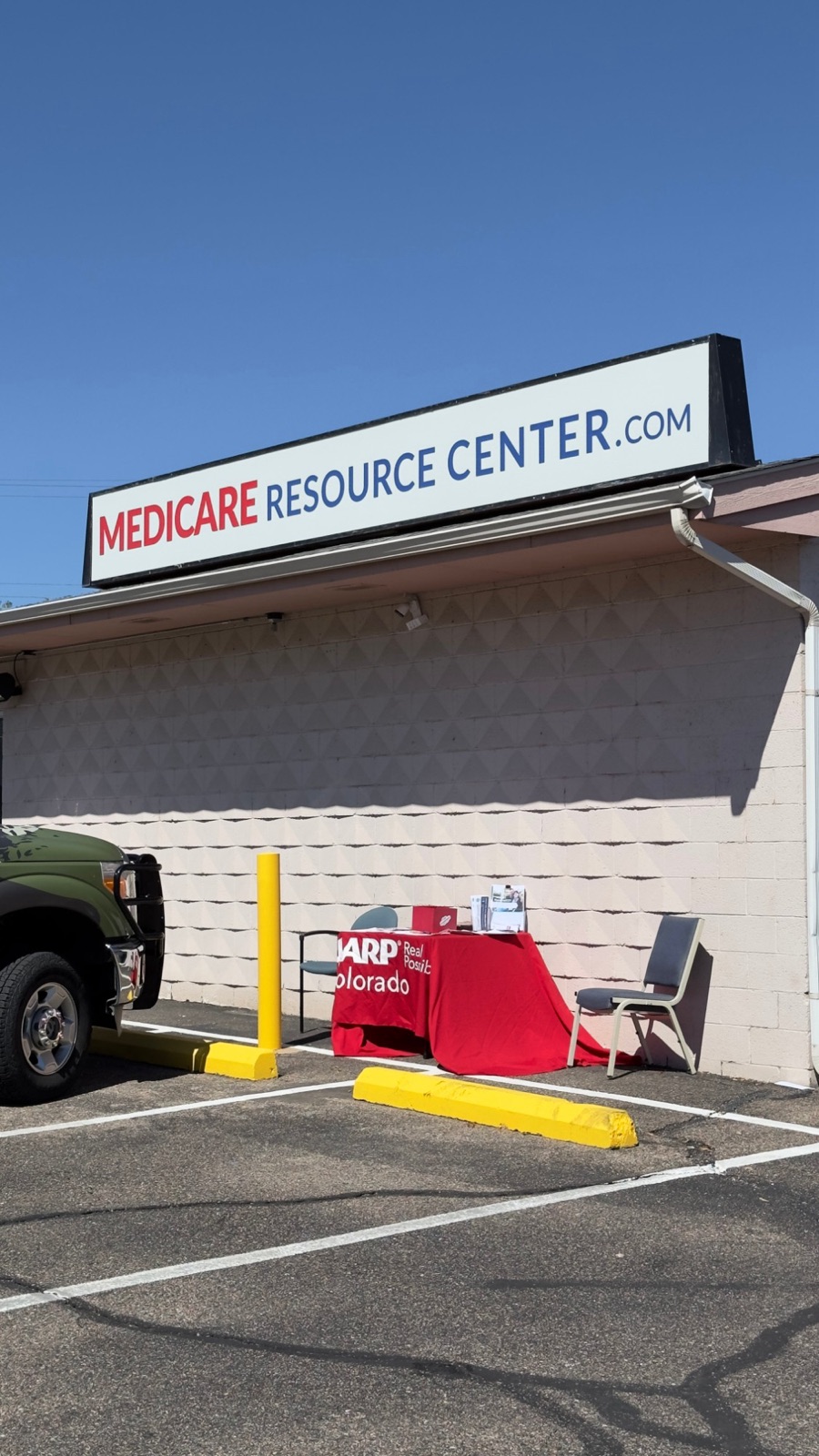
Tell us about your office
Address, hours, parking, languages, your Google and Facebook pages, and a photo of the storefront. Ten minutes, one form.
Your agents add their cards
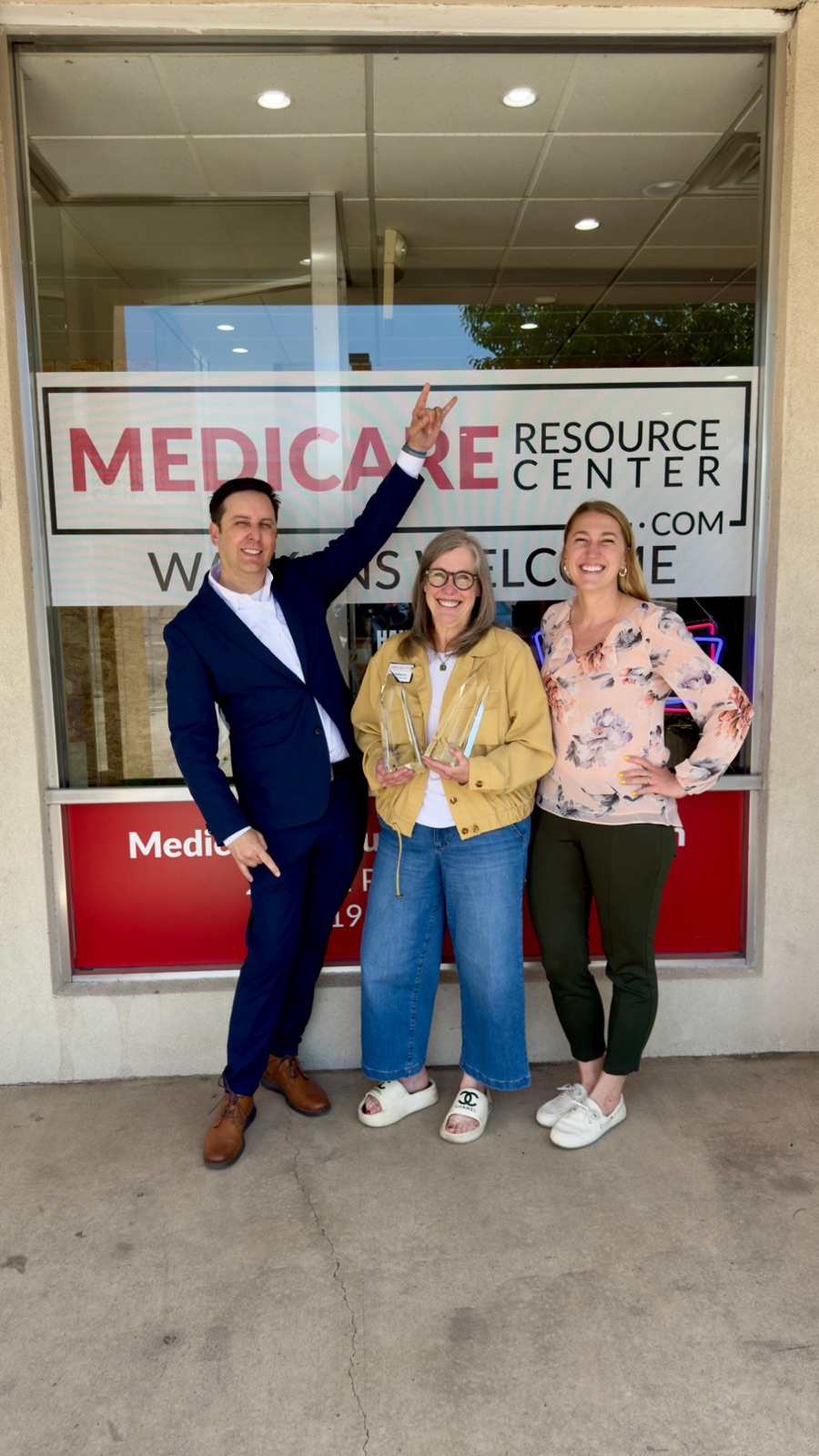
Each agent writes two or three sentences for a walk-in visitor. Their card links to their full MedicareAgents.com profile and reviews, so there is only one profile to keep current.

We review and publish
Listings are checked for accuracy and compliance before they appear, usually within a few business days. Your office page gets a map, live open-or-closed status, your reviews and a request-a-visit form that goes straight to you.
Visitors find you
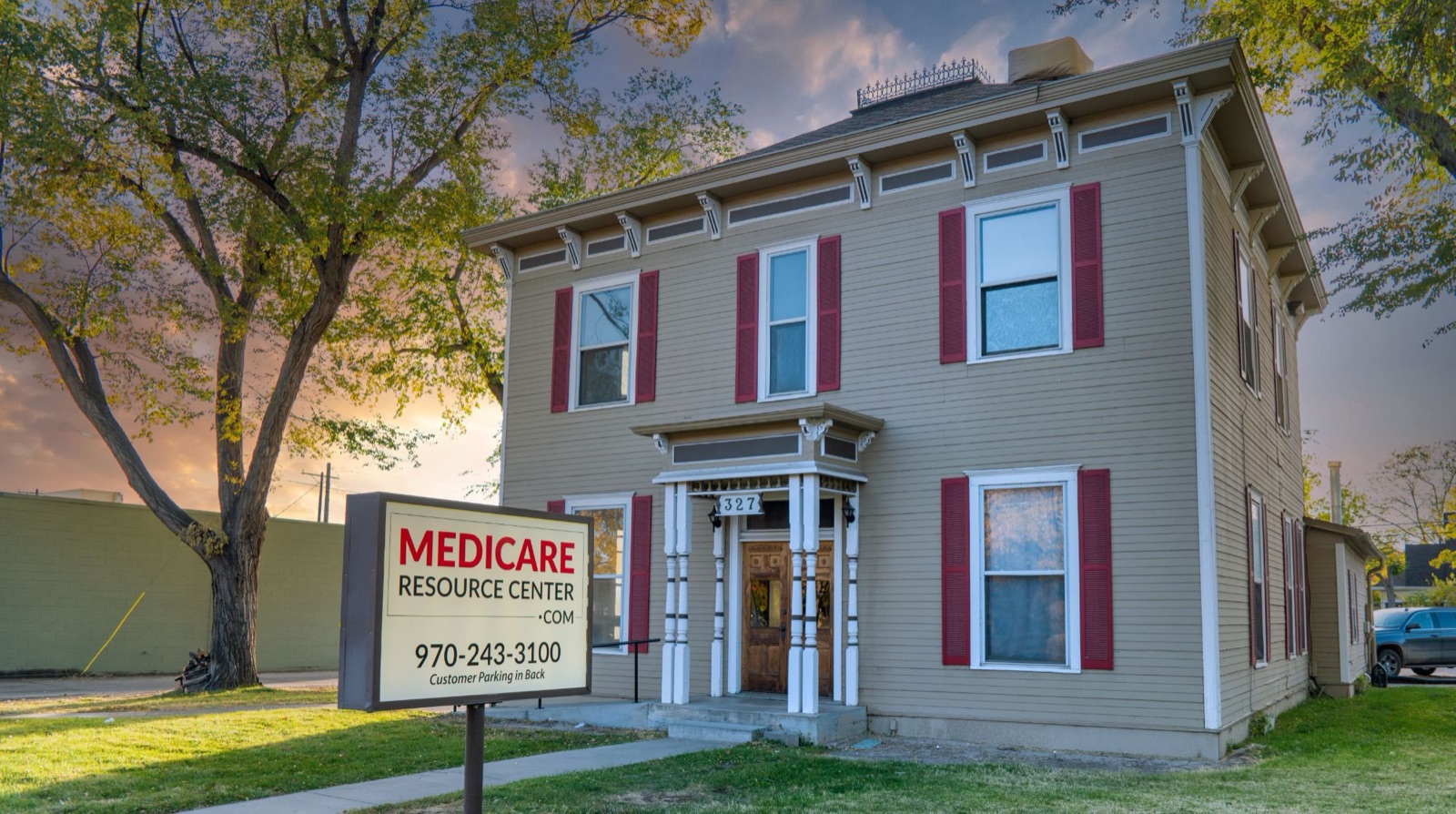
City and state pages are built to rank for "Medicare office near me" searches, and every office appears in distance search. People who prefer to meet in person find your door.
What a listing includes
Your office page
Address and map, live open-or-closed status, hours, what to bring, parking and accessibility, languages spoken, and your storefront photos.
Your reviews
Links to your Google and Facebook reviews, and your agents' MedicareAgents.com reviews rolled up into one rating for the office.
Your leads
A request-a-visit form on every office page that emails you directly, and a booking button if you use an online calendar.
Agents: no office yet?
Browse the offices near you. Several, like Grand Junction Medicare, are shared offices where any licensed agent in the area is welcome to meet clients. Find an office near you →
Ready to list your office?
Takes about ten minutes. We'll review it and follow up by email.
List your officeListing is currently available to agencies and agents contracted through Benefits Life, Inc. Not contracted yet? Talk to Benefits Life.